A shortcut per site
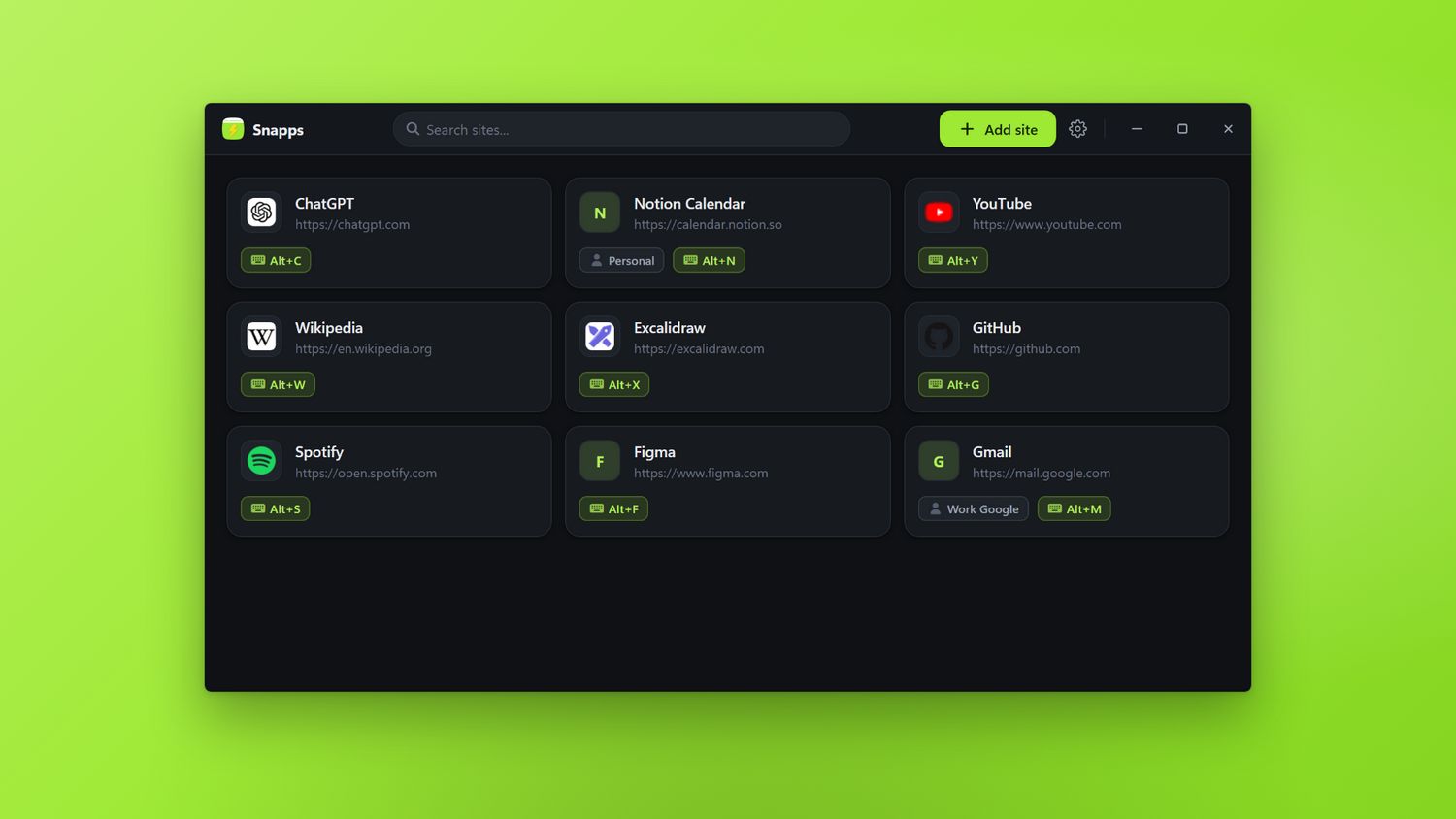
Add a site, pick a key combination, done. The same shortcut shows the window and hides it again.
For Windows · on the Microsoft Store
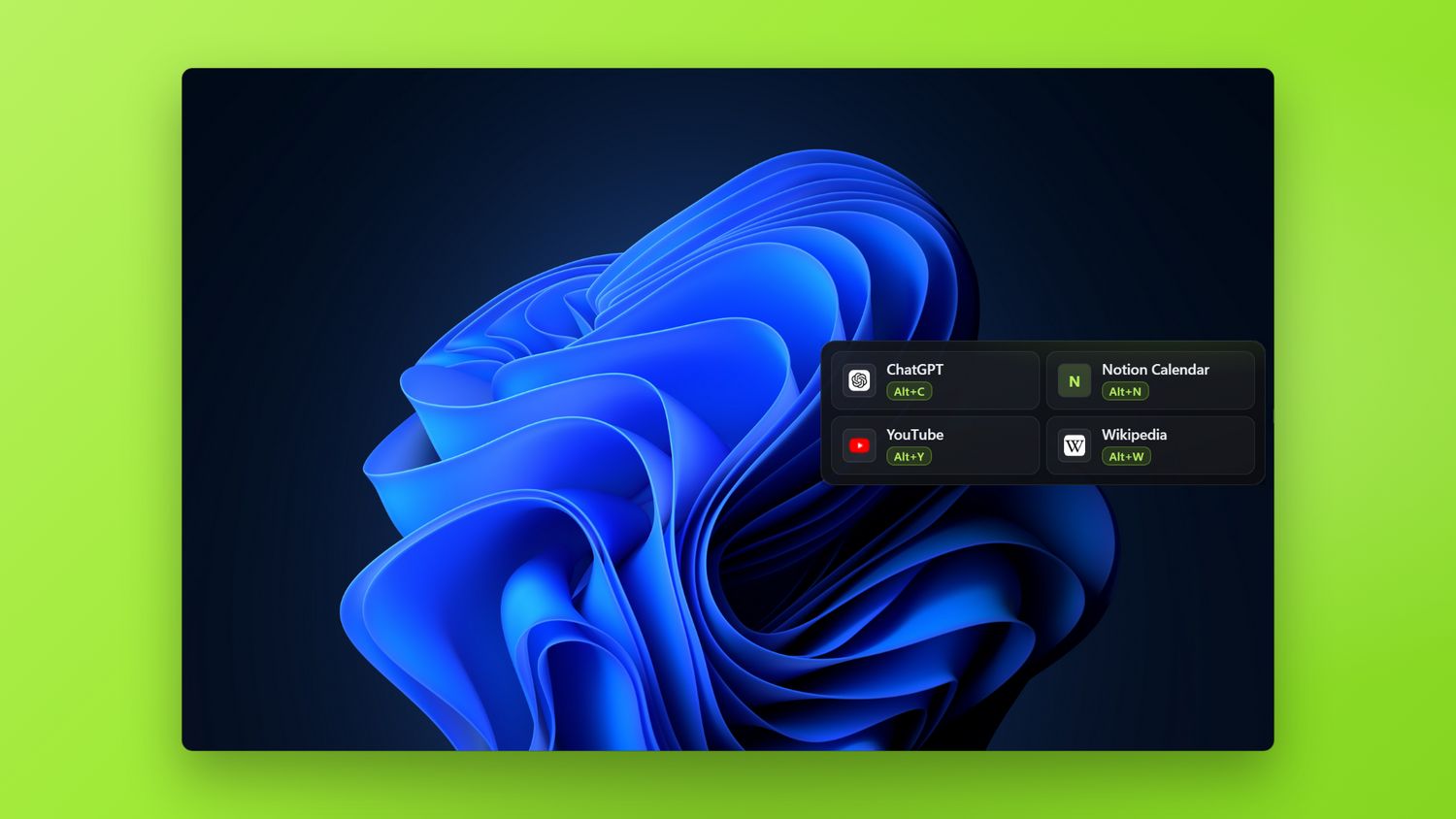
Press Alt+C and ChatGPT floats over whatever you're doing. Ask your question, press it again, and it's gone. No tab hunting, no window juggling.
Free for 15 days. One payment after that — no subscription.

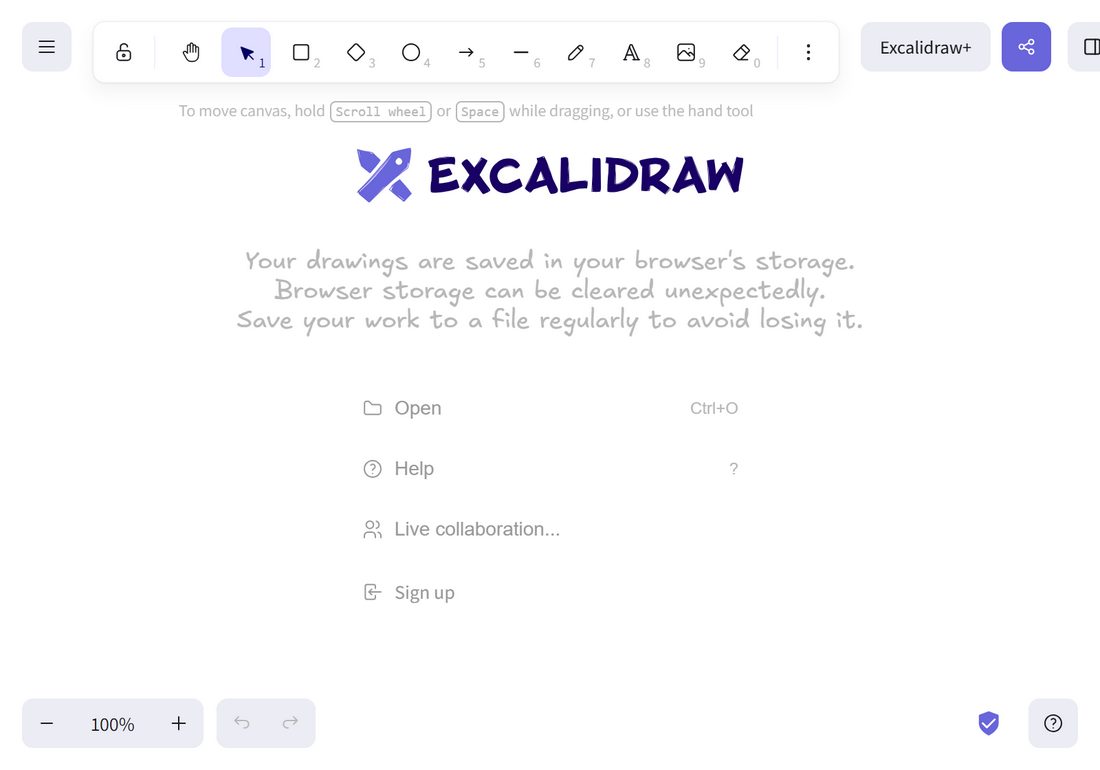

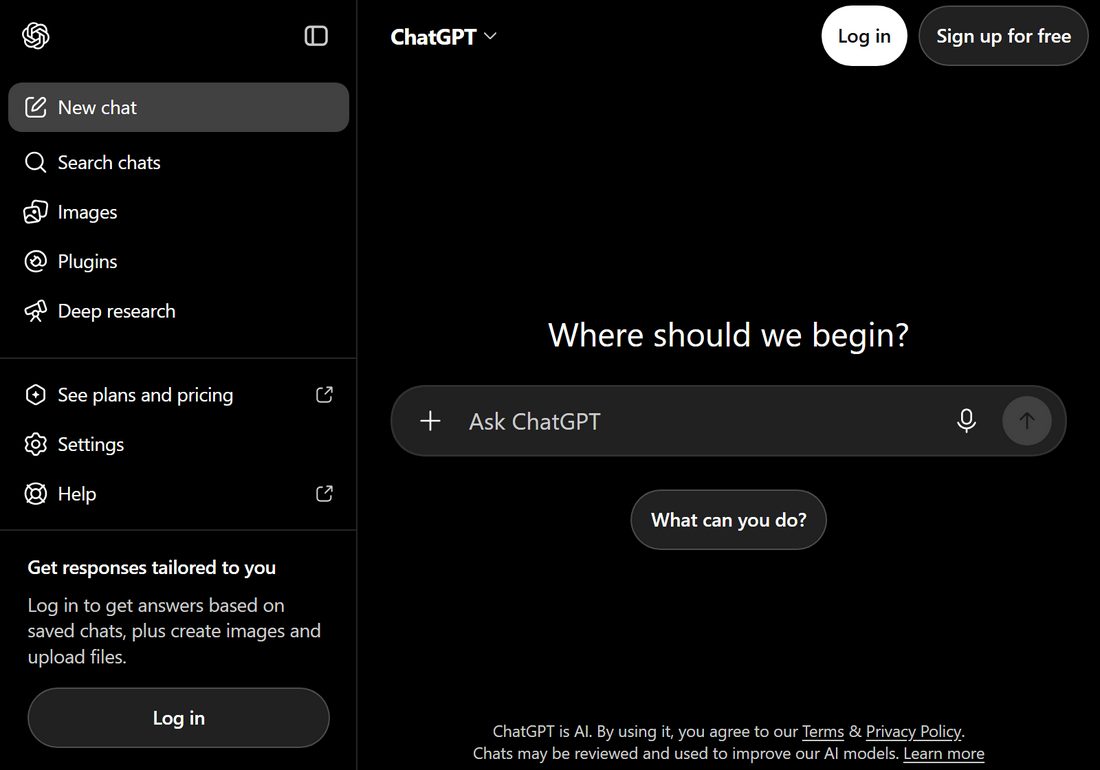
One window, any site — each with its own shortcut
See it in action
Features
Add a site, pick a key combination, done. The same shortcut shows the window and hides it again.
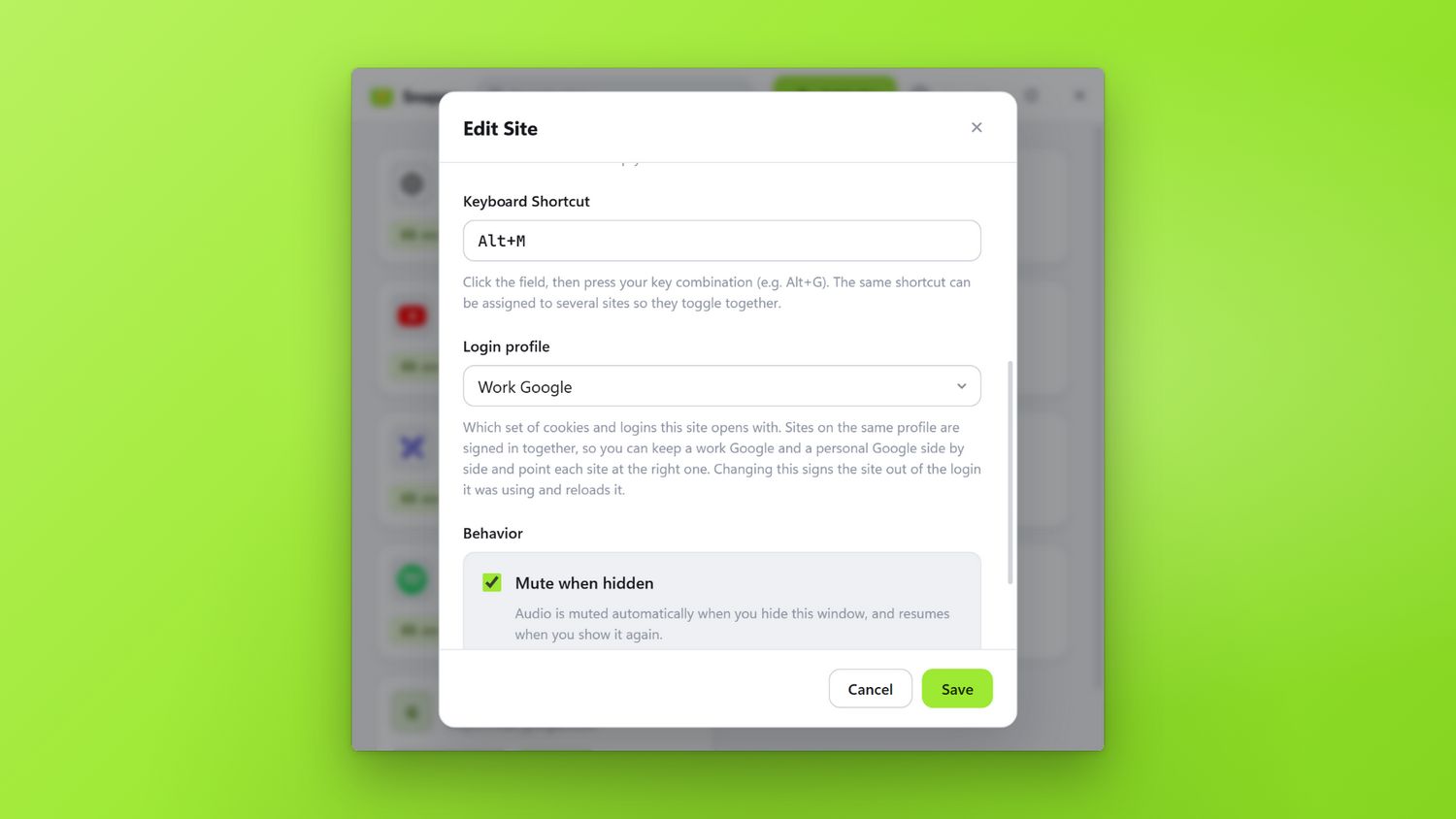
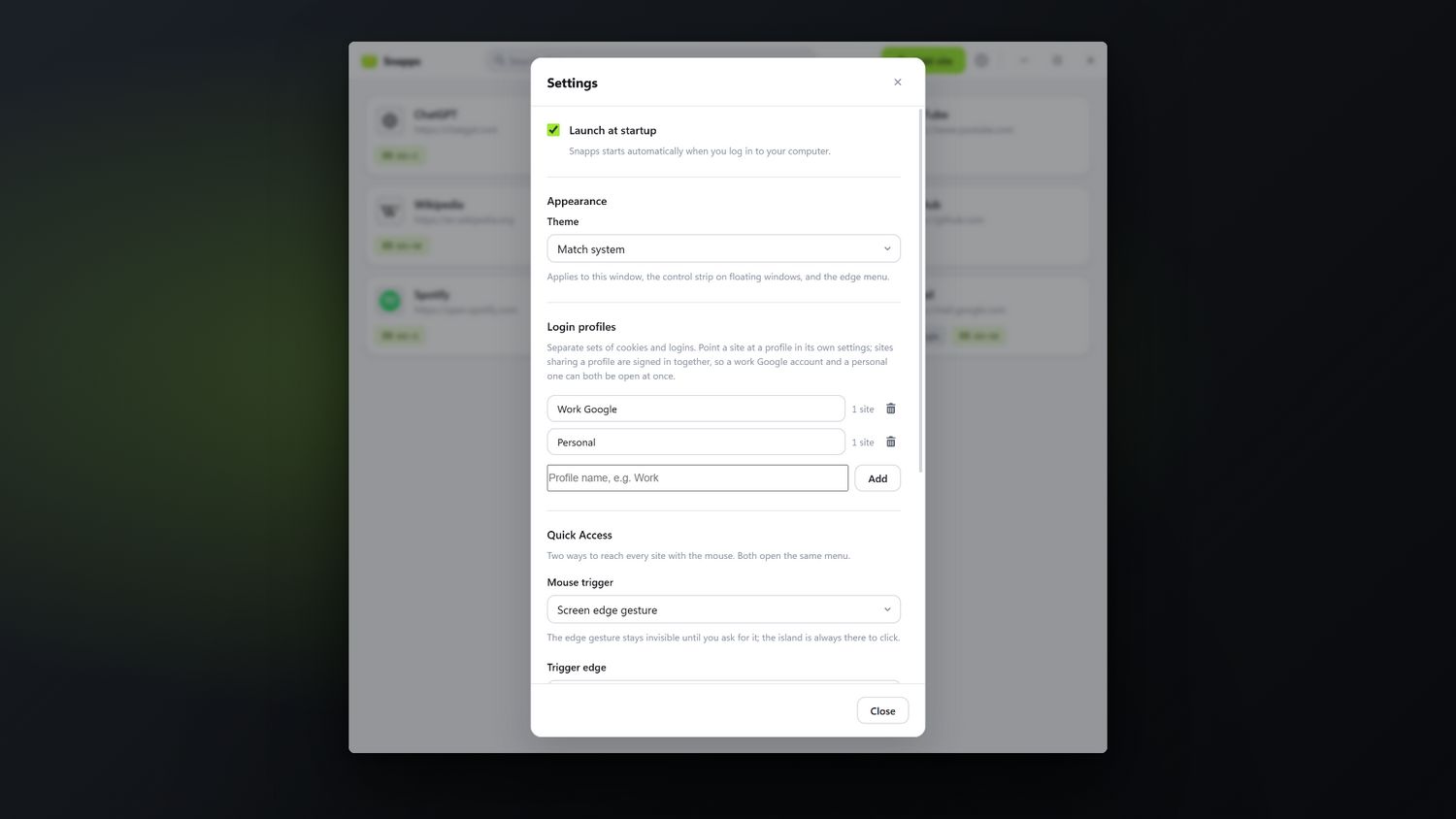
Give a site its own login profile and keep a work Google and a personal one open at once. Sites on the same profile are signed in together.
Press Ctrl+Shift+Space and a searchable list of every site opens right where your cursor is. Type a couple of letters, hit Enter.
Floating windows stay above everything else and remember exactly where and how big you left them.
Keep a window visible to you and invisible to recordings and calls. Handy for private notes and AI chats.
Audio pauses the moment a window disappears, so a hidden video never talks over your meeting.
Bump the side of your screen for a quick menu — or dock a small handle anywhere along any edge and hover it. Your call.
Sites can stay live in the background, so the window is there the instant you ask for it — no reload, no lost scroll position.
New
That document you can only open on the other account stops being a problem. Make a profile, sign in to it once, and point as many sites at it as you like — work Docs, work Gmail, work Calendar all signed in together, personal ones right beside them.
Add the same site twice, once on each profile, and give each its own shortcut. Neither ever signs the other out.
How it works
Paste any URL and give it a name. Anything with an address works — an AI chat, a dashboard, a docs page, your calendar.
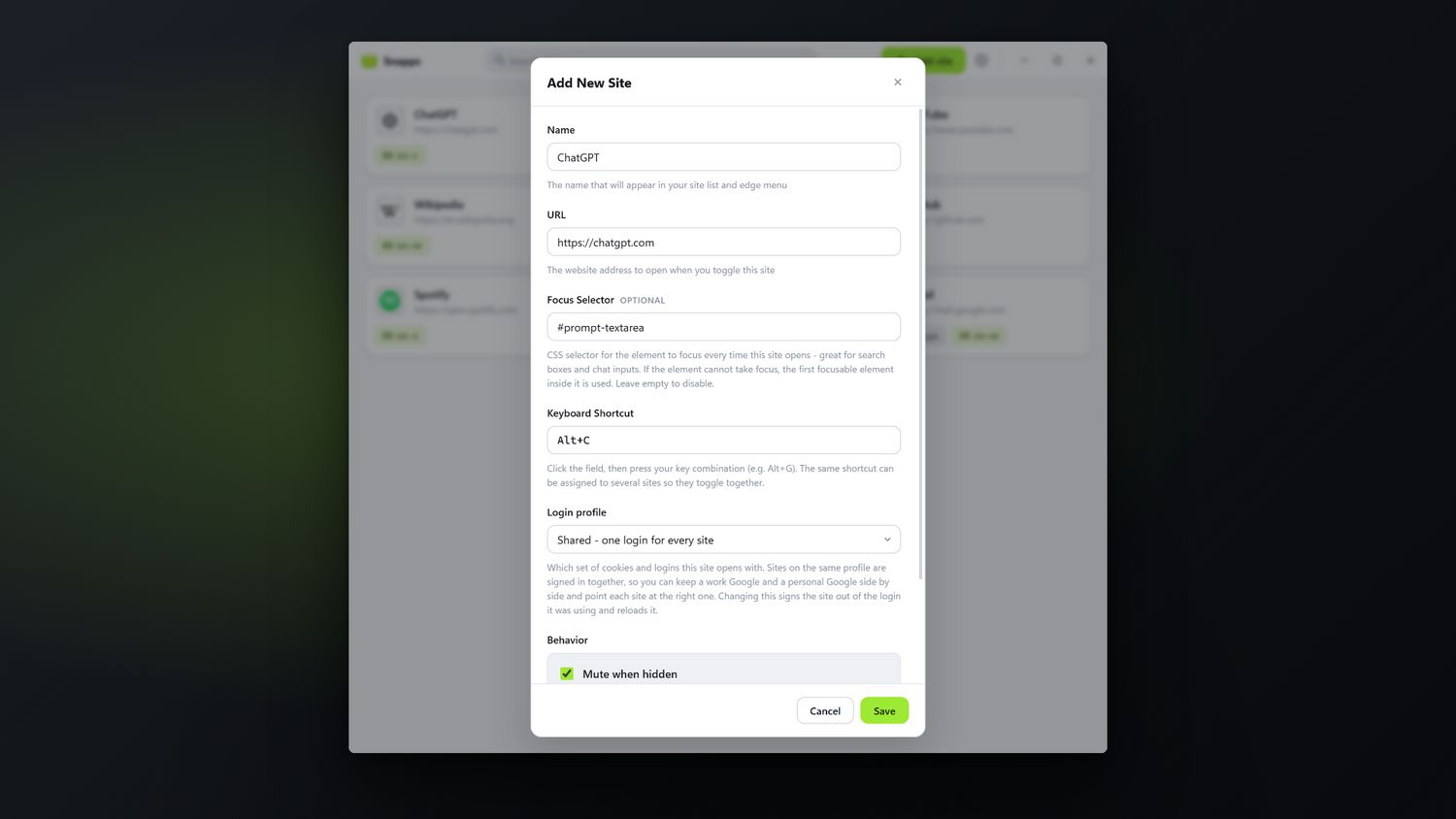
Press the keys you want and Snapps records them. Every site sits in one list with its own combination.
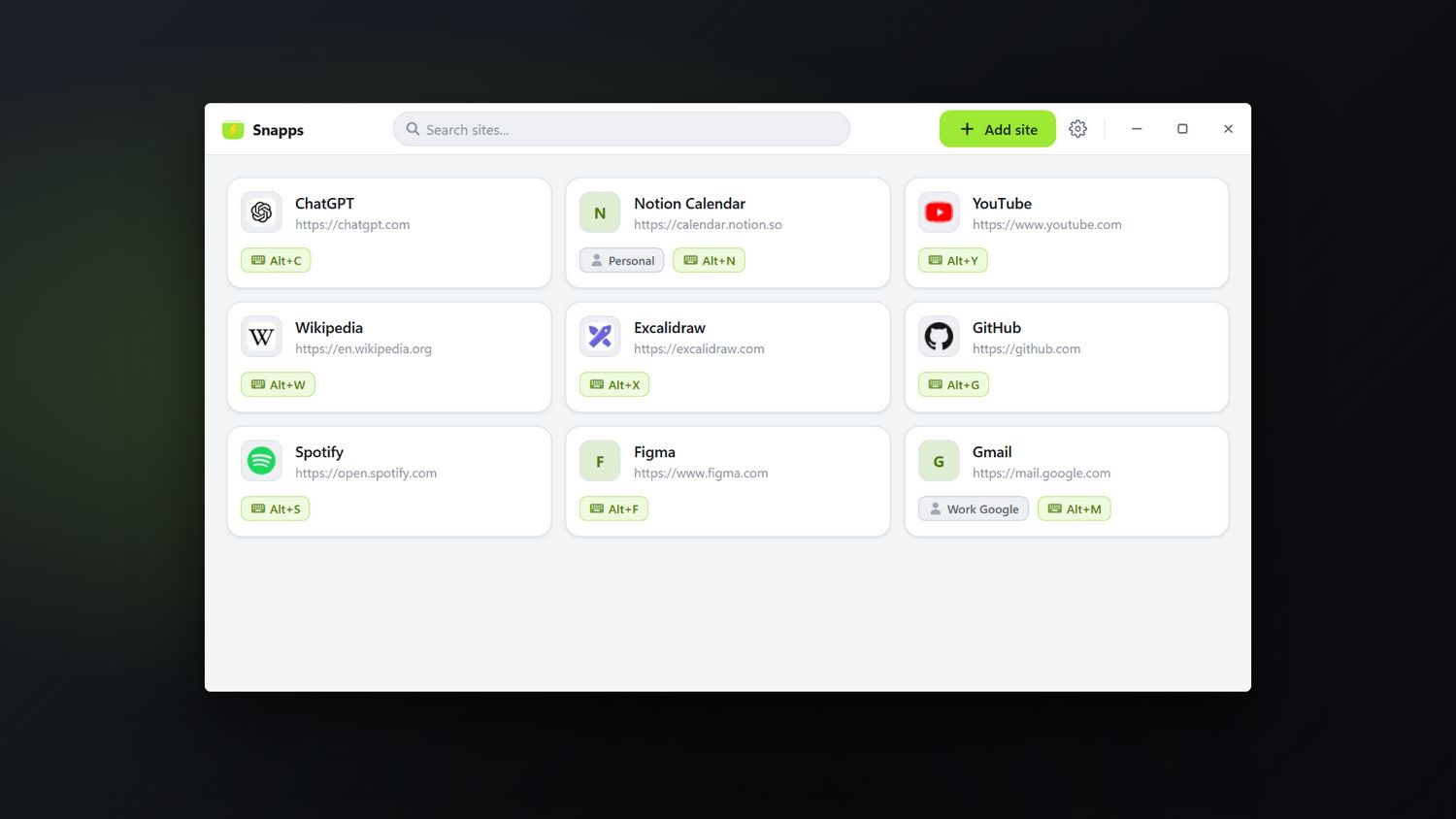
From any app, any full-screen window, any time. It floats on top, you do the thing, you press again and it's gone.
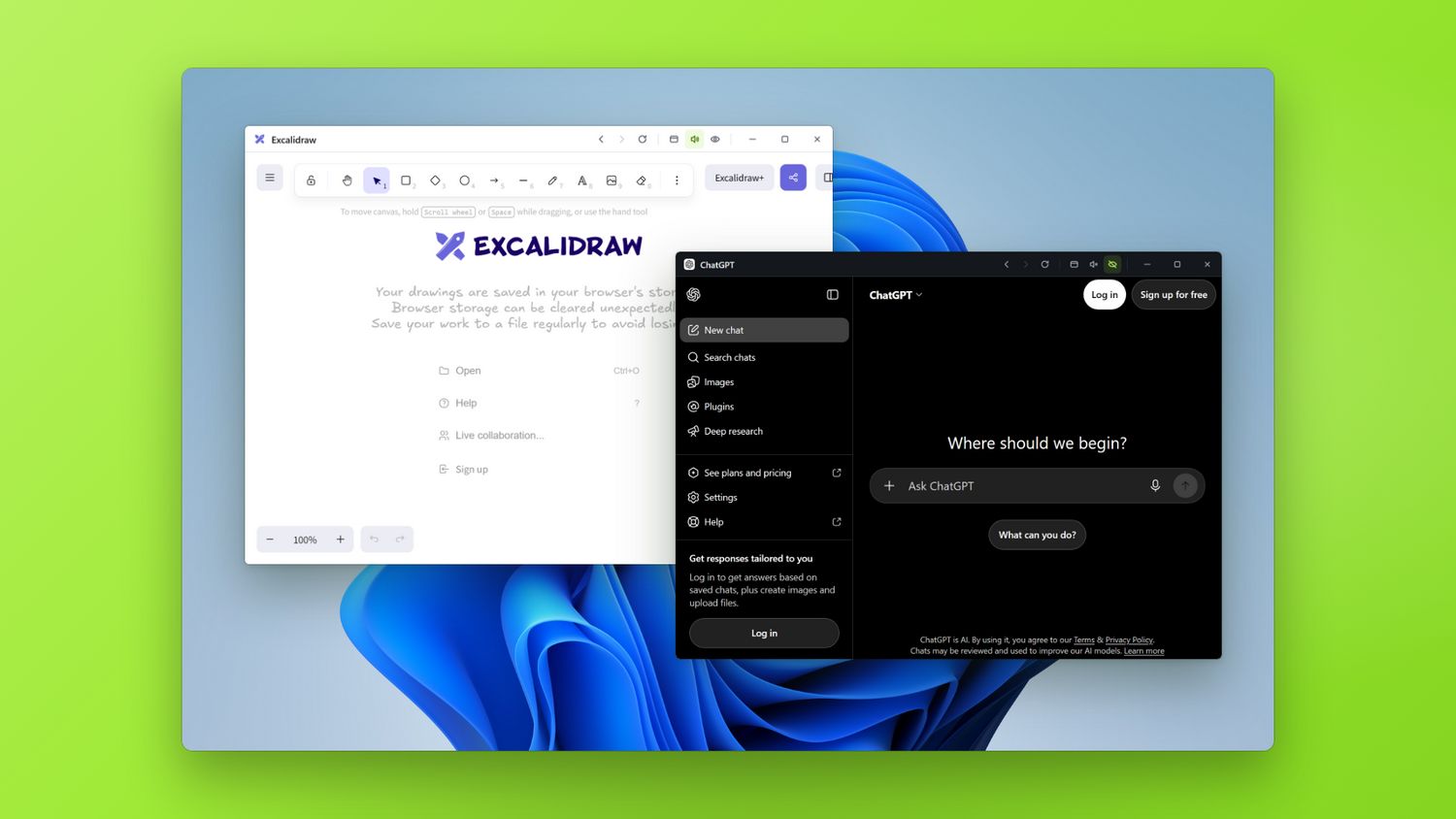
Screenshots
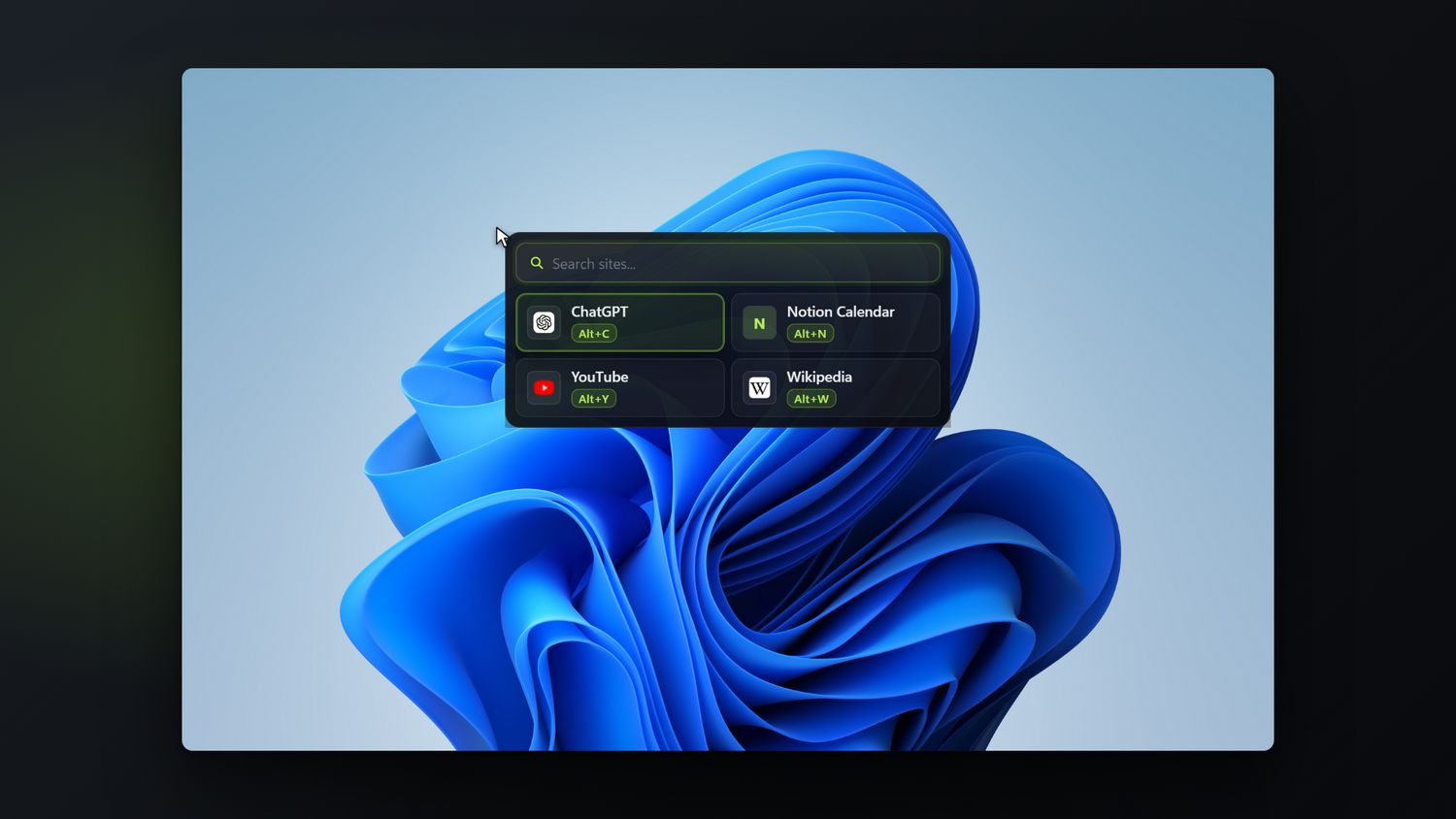
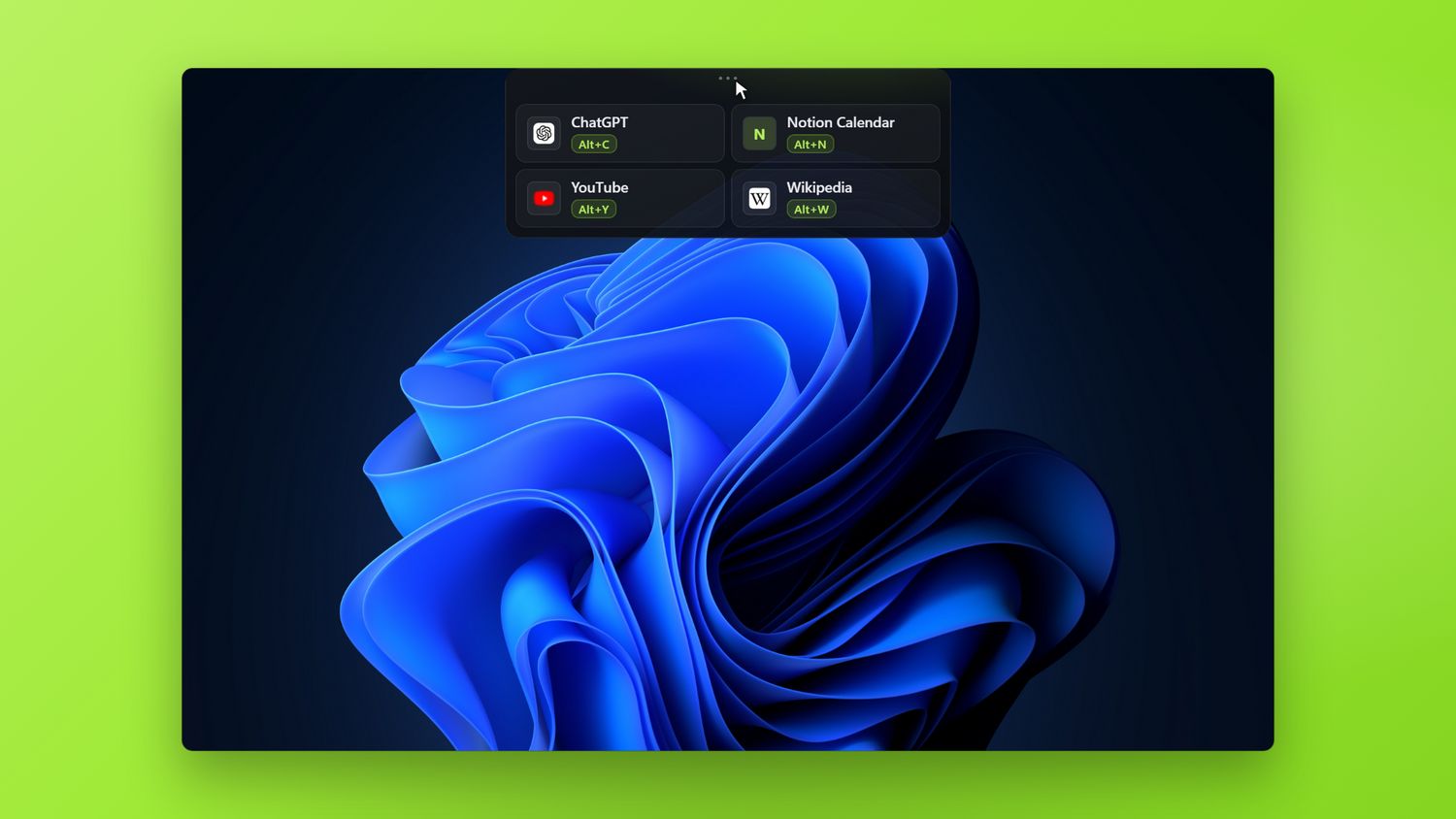

Try Snapps free for 15 days. One payment after that, no subscription.
Get it on the Microsoft StoreNo account. No telemetry. Your sites and settings never leave your PC.