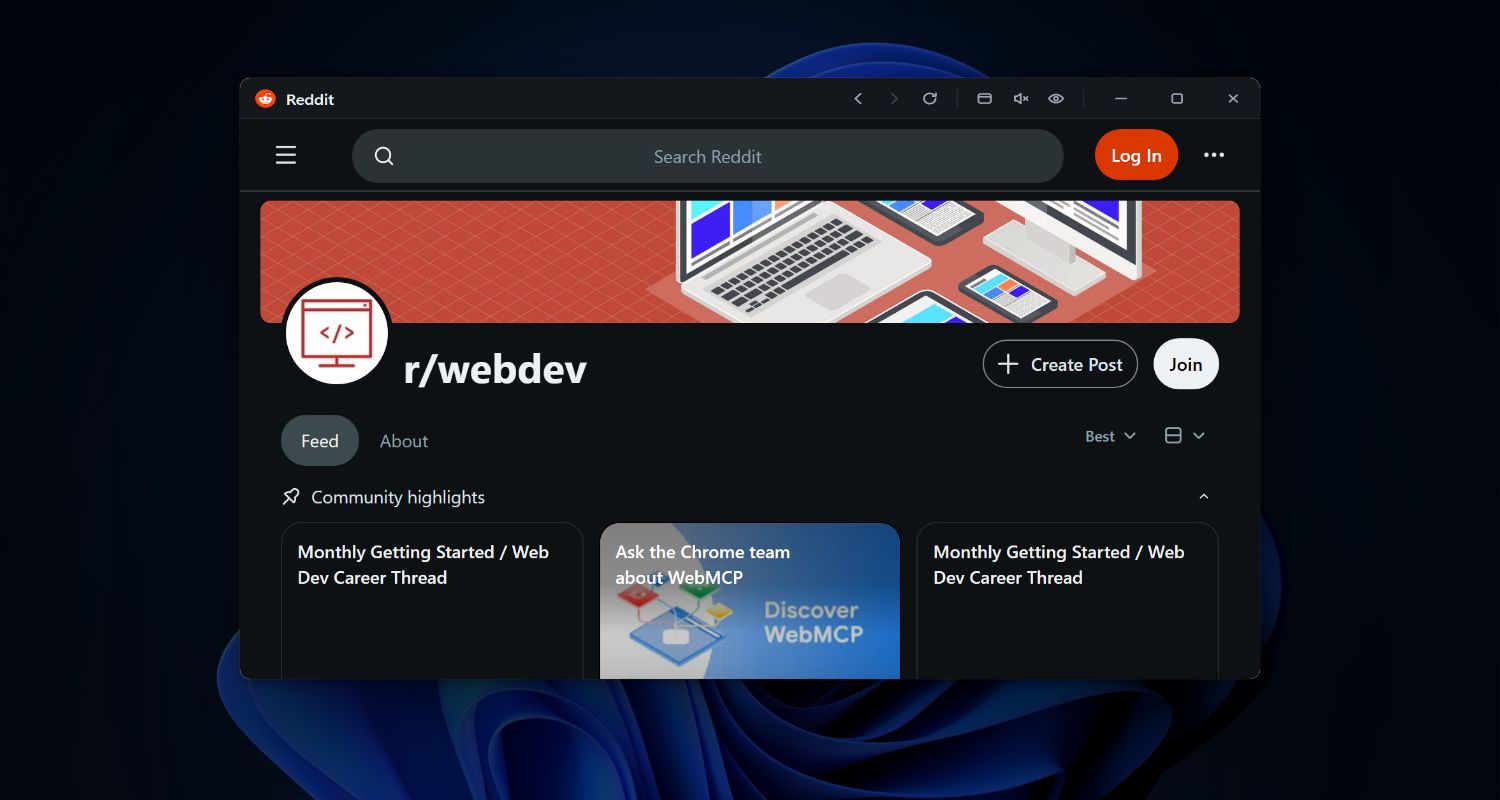
See how people use floating windows and keyboard shortcuts to access ChatGPT, calendars, task managers, and more — instantly.
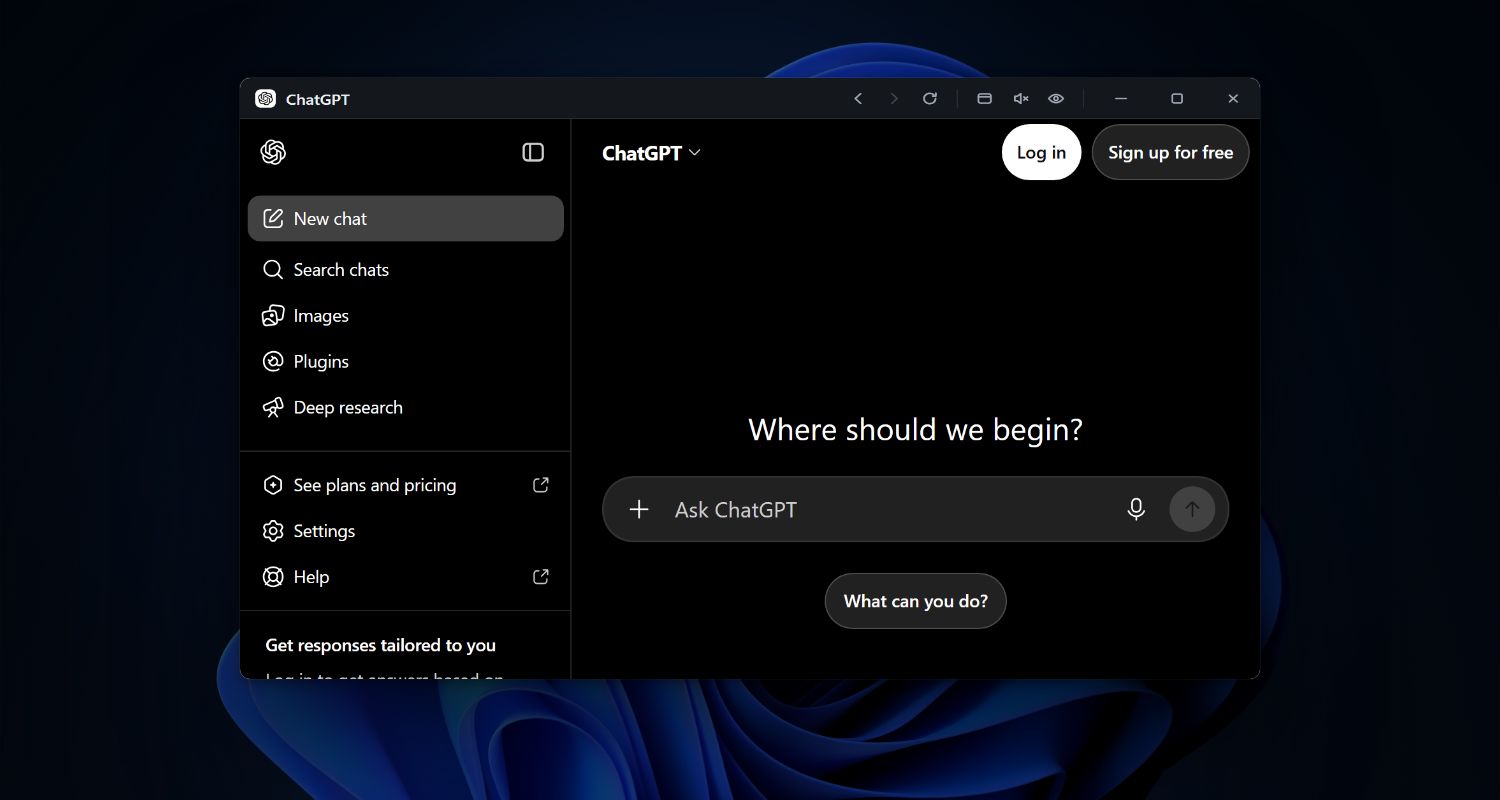
Instant access to ChatGPT, Claude, or your favorite AI assistant with a single keyboard shortcut. Keep the conversation visible while you work.
Quick access to Notion, Asana, Trello, or Todoist. Keep your tasks visible in a floating window while working on other apps.
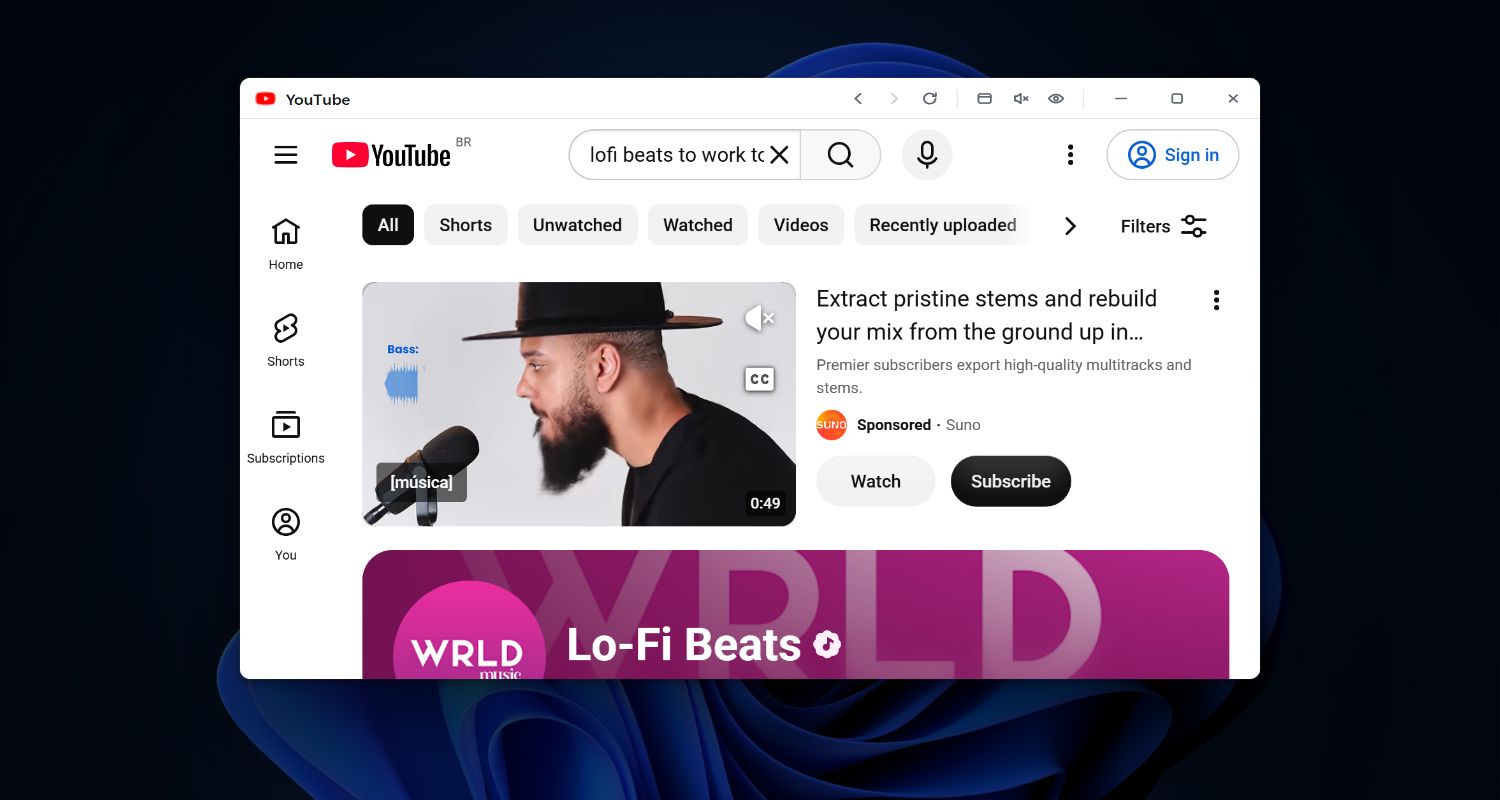
Watch videos, listen to music, or enjoy content while you work. Keep YouTube, Twitch, etc. floating in the corner of your screen.
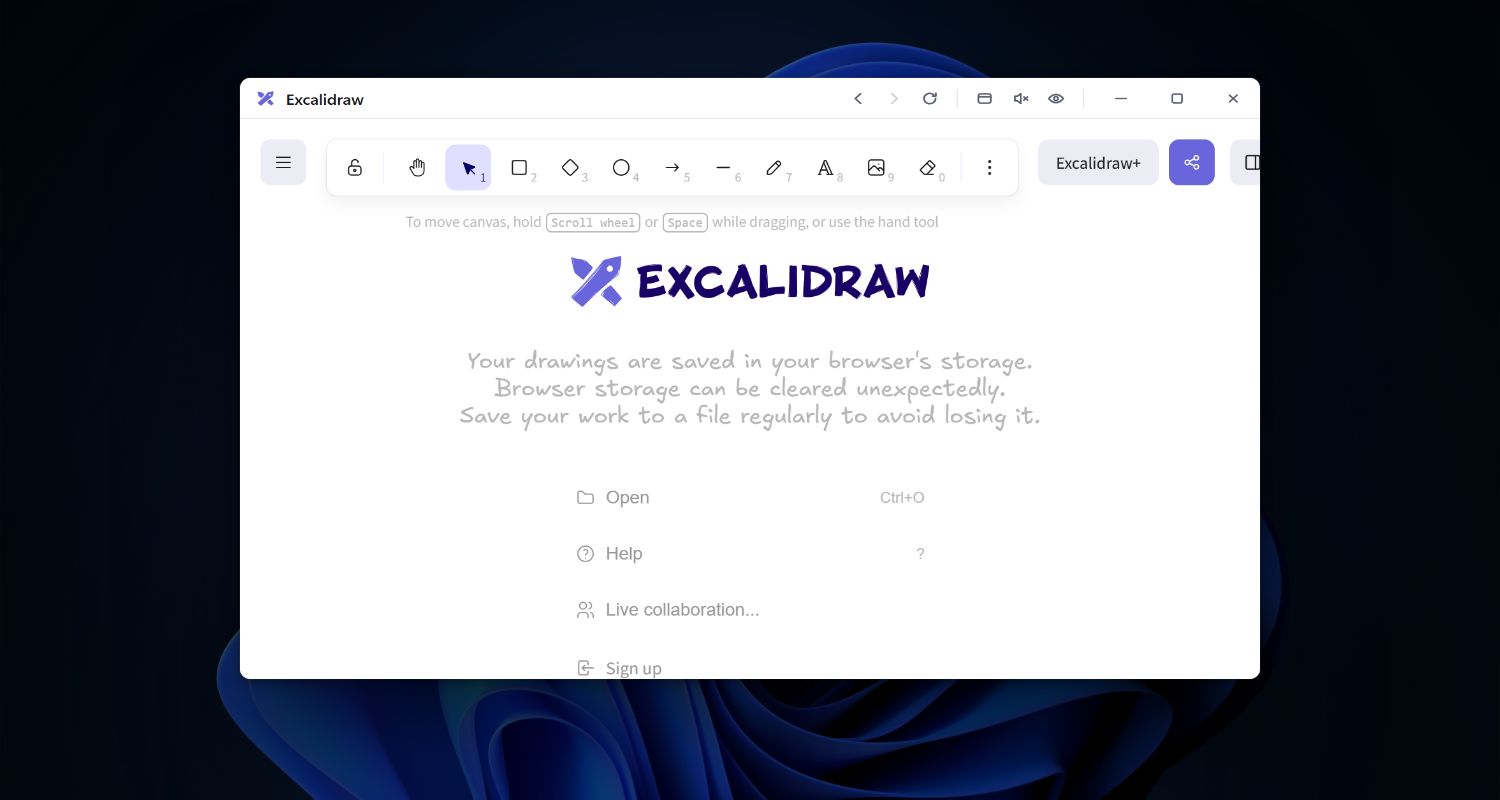
Quick access to Pinterest, Coolors, or Unsplash. Keep design references visible in a floating window while you work in your design tools.
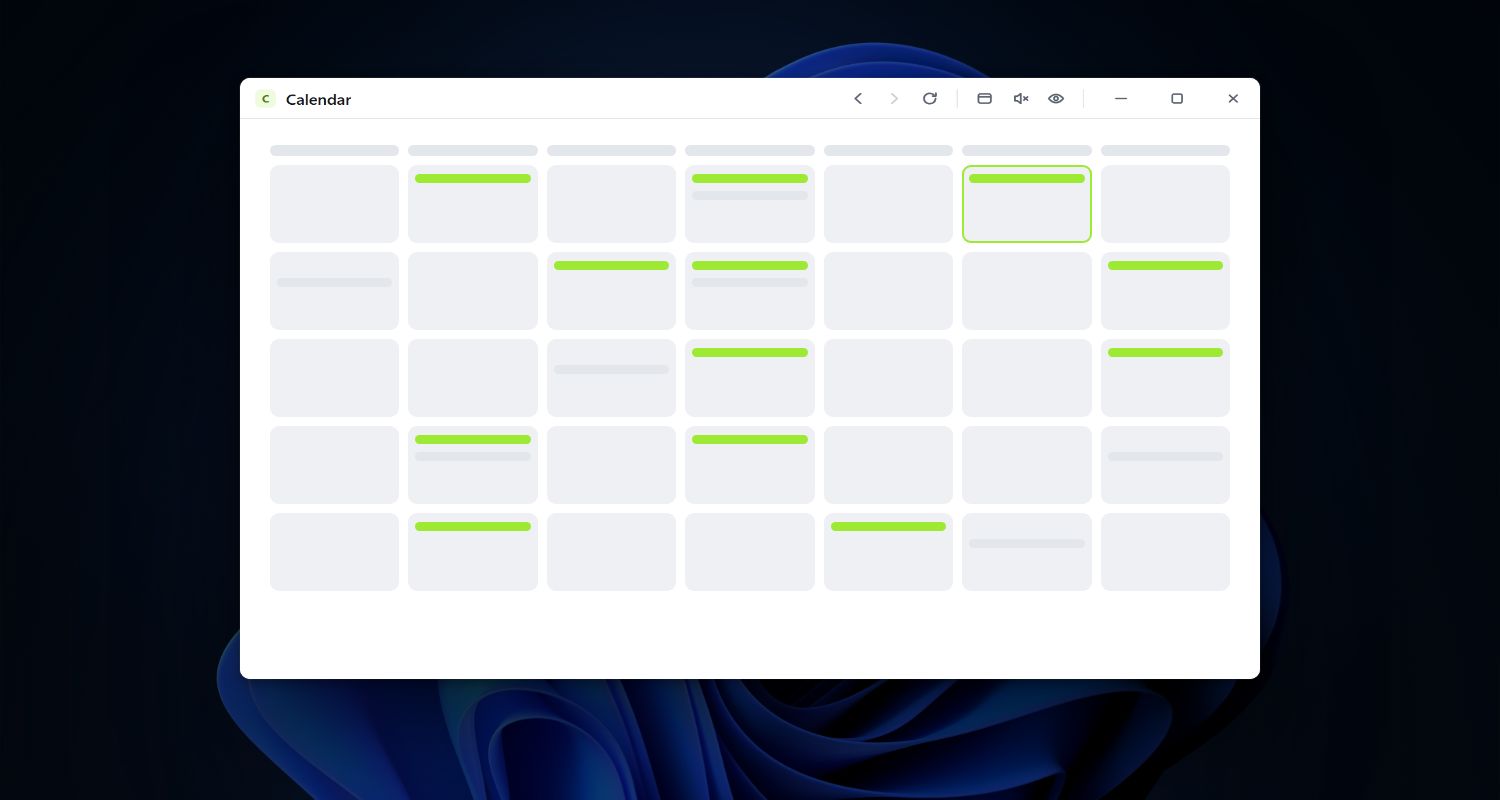
Instant access to Google Calendar or Outlook. Keep your schedule visible in a floating window without switching tabs.
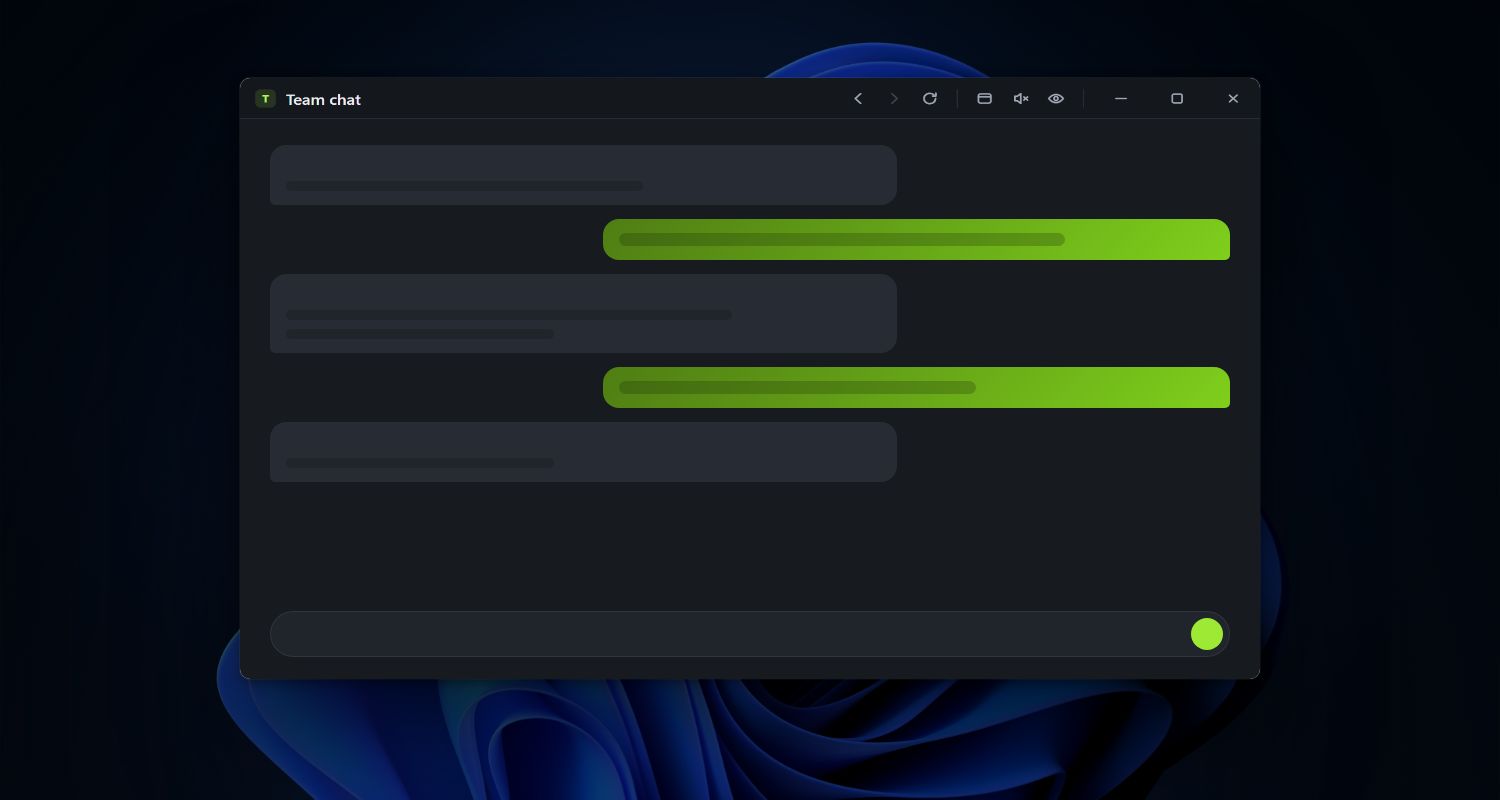
Quick access to Teams, Discord, Google Chat, etc. Keep conversations visible in a floating window while working.
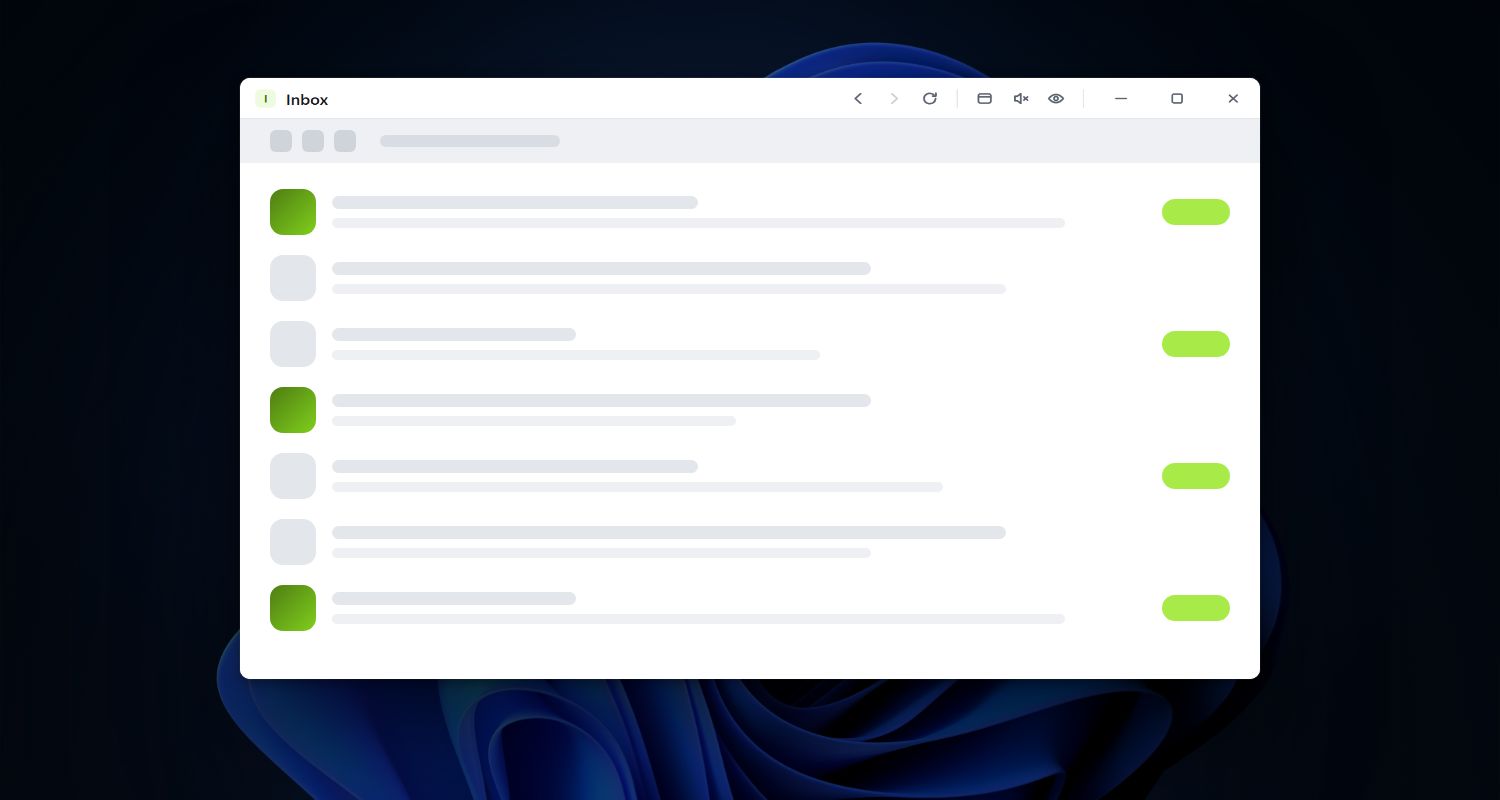
Instant access to Gmail or Outlook. Keep your inbox visible in a floating window without switching tabs.
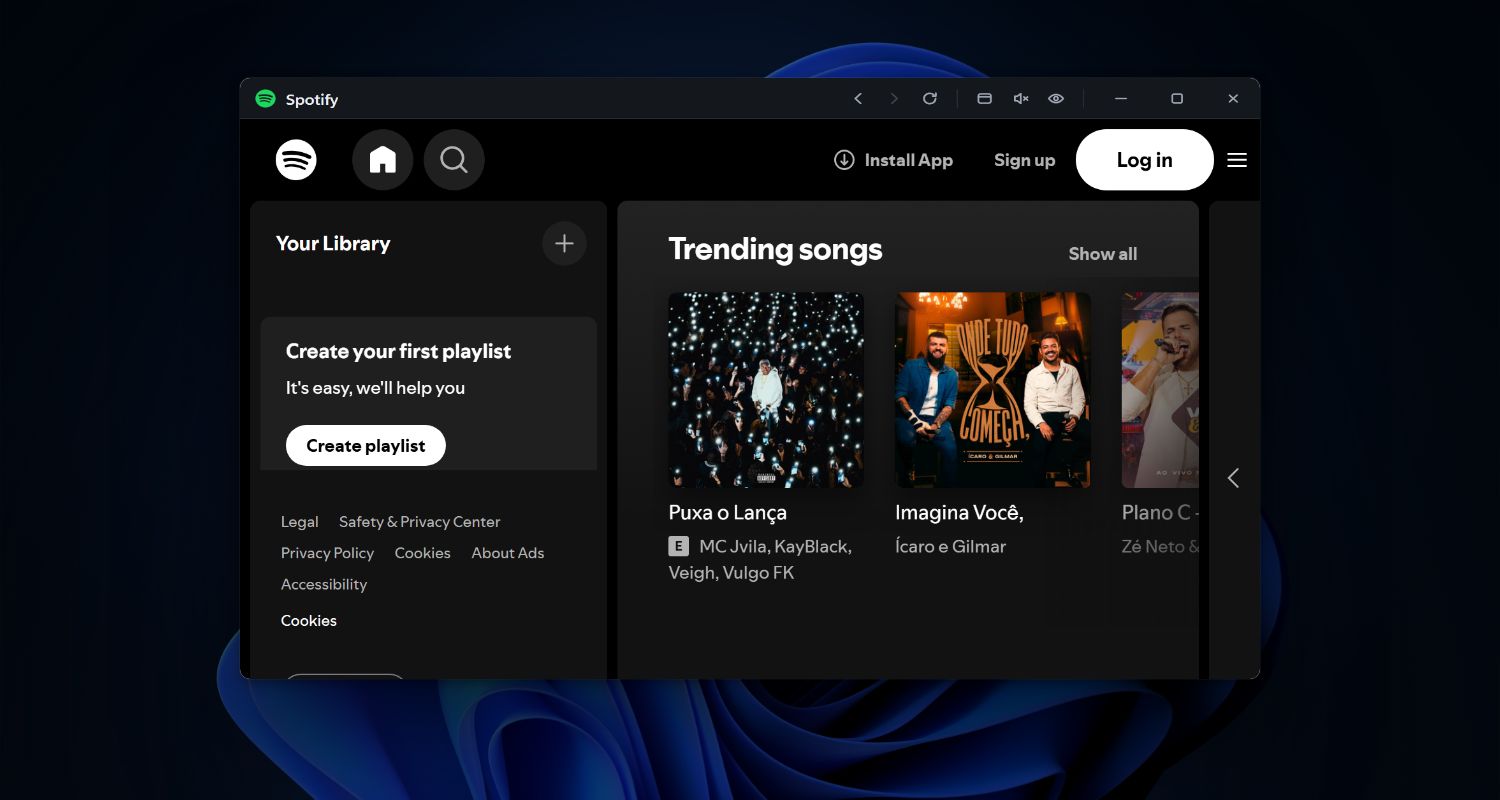
Quick access to Deezer, YouTube Music, etc. Keep playback controls visible without switching apps.
Quick access to Twitter/X, LinkedIn, or other social feeds. Keep them visible in a floating window while you work on other tasks.
No matter which tools you choose, Snapps makes them better with these features:
Exclude windows from screen captures and recordings. Auto-mute when hidden for privacy during calls.
Auto-launch at startup and keep sites active in the background. Zero friction, maximum productivity.
Double-tap screen edges to quickly access your floating windows menu. Fast, gesture-based navigation.
Window positions and sizes are saved automatically. Your perfect setup restored every time.
Floating windows stay above everything else. Work in any app while keeping important info visible.
Create your own keyboard shortcuts. Make Snapps work exactly how you want it to.
Download and discover the power of instant website access with floating windows for your productivity.